
Live captions app for iPhone Know what everyone at the table is saying.
For people who are hard of hearing: Akoe listens to the conversation and writes what each person says as they say it, under their name, in Spanish or English. Big enough to read. Quick enough to keep up.
Coming soon to the App Store. The first three days are free.
- Akoe keeps no recordings
- No account
- Works with the phone on the table
I’ll call her tomorrow before ten.
Dile que llevamos el postre.
Dad, are you coming with us on Sunday?
Why another captioning app
Captions are only useful if you can read them in time.
The words arrive too late
Captions that wait for the end of a sentence leave you a step behind. By the time you have read the question, the table has moved on.
Everyone sounds the same
Most captions do not say who is talking. In a room with four people, that is half the meaning gone.
Read more →Two languages, one setting
Families that mix Spanish and English do not stop to switch a language toggle. The app should not need them to.
Read more →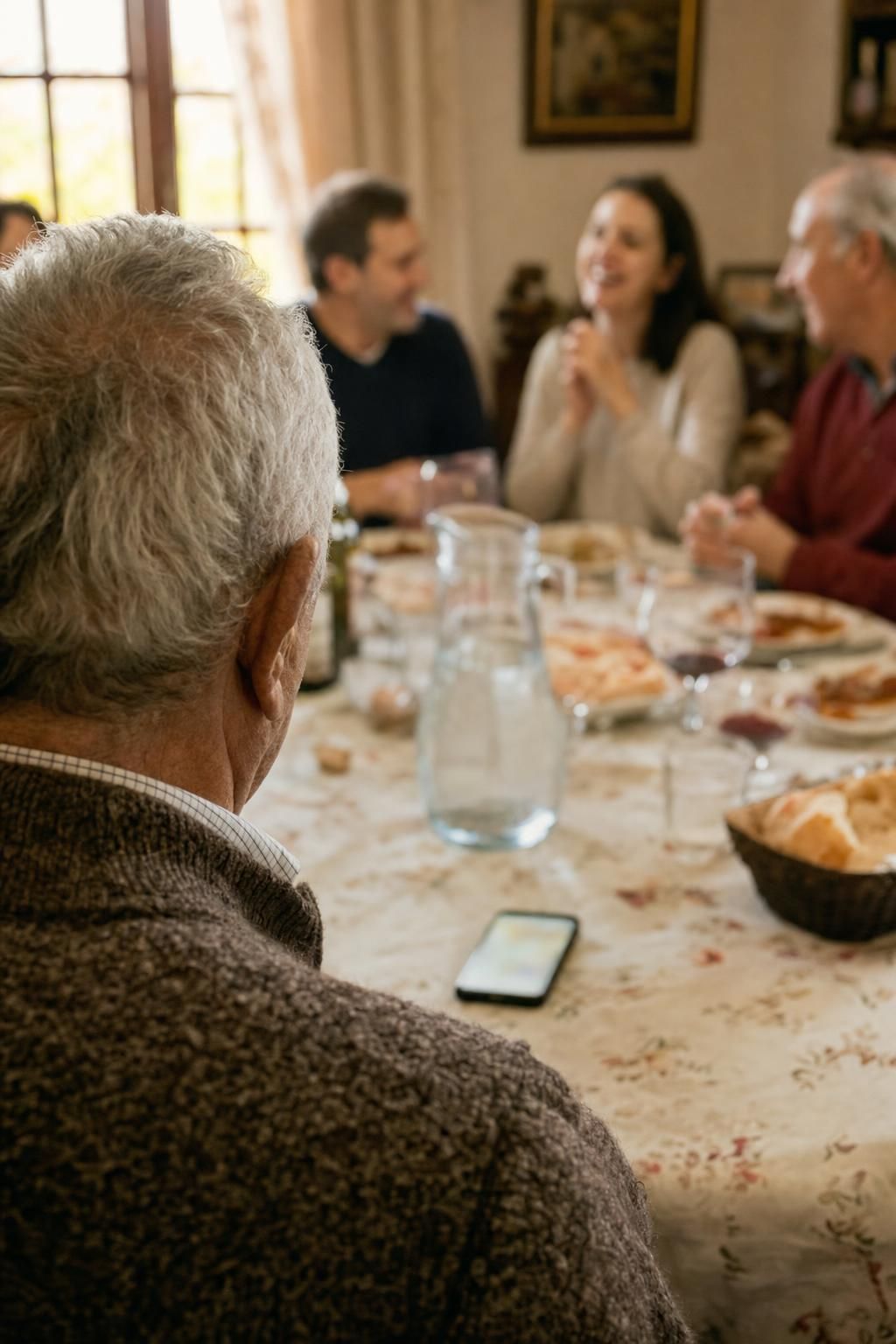
Why Akoe exists
I made it for my dad.
My dad is hard of hearing. And my family talks a lot: over each other, switching between Spanish and English in the middle of a sentence.
Meal after meal I watched him nod and smile along to conversations he couldn’t hear. He was at the table with all of us, and still on his own.
The worst was when someone asked him something. He nodded just the same.
Automatic captions didn’t help: a block of text in one language, a sentence behind, with no idea who was talking.
So I made him Akoe. What each person says, as they say it, with their name, in whichever language they used.
So he is back in the conversation, not just at the table.
— Will, his son
Helping a parent with hearing loss follow family conversations →
How it works
Put the phone on the table. That is the whole setup.
- 1
Akoe listens
It hears Spanish and English and switches on its own, even mid-sentence. The screen reads the other way up, so the microphone faces whoever is talking. It keeps working without a connection.
- 2
Turns get a voice and a color
Each voice gets a color and a name, and your own voice is left out, so you only read what others said.
- 3
The words appear as they are said
About a second behind the voice, word for word, big enough to read across the table. When the person pauses, their name appears beside the line.

The last two minutes
Lost the thread? One tap.
One button, always in the same place. Press it and the last two minutes come back as up to three short points, each with who said it, and anything someone asked you in amber. They open under the conversation, which carries on above.
- Three short points, not a summary essay
- The conversation carries on while you read
- Written in the language you choose
Mamá: Sunday at your sister's.
Will: Calls her tomorrow before ten.
Mamá: Bringing dessert this year.
For you: Jeremy asks if you are coming.
Compare
Akoe vs Live Captions and other caption apps.
Apple's Live Captions give you a running transcript in one language, with no names. Akoe is made for a table full of people, in two languages.
| Feature | Akoe | Apple Live Captions | Ava | Otter |
|---|---|---|---|---|
| Made for a conversation in the room | Yes | Yes | Yes | Meetings and recordings |
| Spanish and English switching mid-sentence | Automatic | One language at a time | One language per session | Mainly English |
| Tells voices apart | Color and name | No | Yes, by color | Yes |
| Two-minute catch-up on demand | Yes | No | No | Notes after the meeting |
| Keeps your own voice off the screen | Yes | No | No | No |
| No account, no sign-up | Yes | Yes | Account required | Account required |
Competitor details from their public pages, September 2026. Google's Live Transcribe is not included because it is Android only.
Pricing
One plan. Cancel from your iPhone whenever you like.
€4.99 / month
Billed through the App Store. No account, no card details in the app.
- Live captions, Spanish and English
- Every word as it is said, under the name of who said it
- Colors and names for every voice
- Two-minute summaries, unlimited
- Up to 3 hours of live captions a day, enough for every meal and visit
Coming soon to the App Store
Launch pricing. Free for three days, so you can try it at a real meal first.
Guides
Practical help for hearing loss at the table.
Short guides for families: what helps, and where captions fit in.
Live captions for a family that speaks Spanish and English
In many homes nobody speaks just one language. A sentence starts in Spanish and ends in English, and the person who cannot hear well is left reading captions that gave up halfway.
Read more →Live captions that show who is speaking
Reading a conversation is only half the job. If the captions are one long stream of text, you still have to guess who said what, and by the time you work it out the conversation has moved on.
Read more →Following the conversation at a family dinner or a noisy restaurant
Quiet one-to-one conversations are manageable. The family lunch with six people, the restaurant with the clatter of plates and the room with the TV on are where hearing loss wears people out.
Read more →Helping a parent with hearing loss follow family conversations
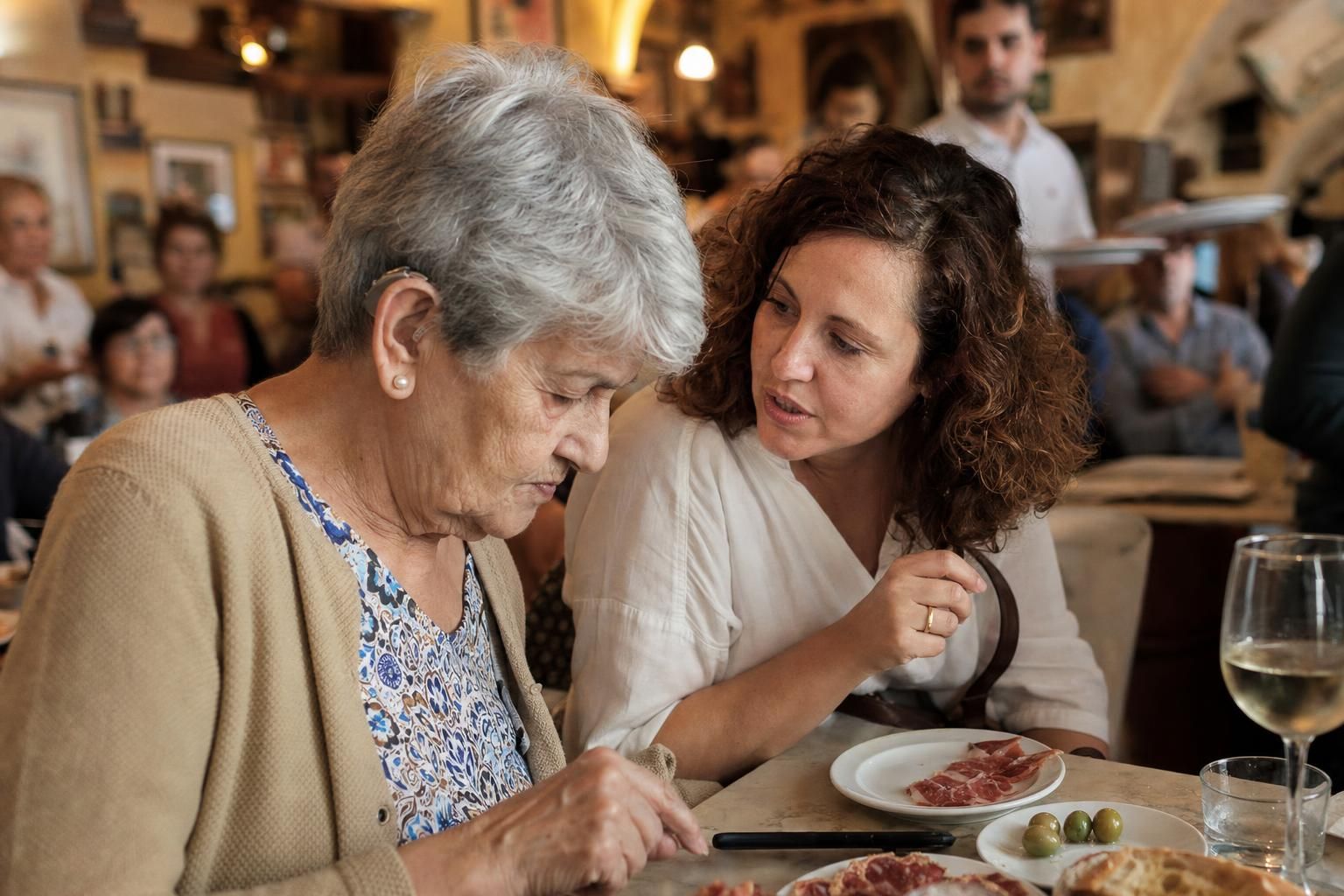
If you are the one who notices that Mum or Dad has gone quiet at the table, this is for you. A few habits help a lot, and a captions app can do the rest.
Read more →Questions
Things people ask.
Who is Akoe for?
People who are deaf, hard of hearing or have hearing loss, with or without hearing aids or a cochlear implant, who find it easier to follow a conversation by reading it. And their families: often it is a son or daughter who sets it up.
Will my mum or dad manage it?
Yes. After a one-minute first setup (reading two sentences so it learns their voice), they just open it and it listens: no language to choose, no buttons to press. You can do that setup with them and add the family’s names.
How is this different from the Live Captions built into my iPhone?
Apple’s Live Captions show a running transcript in one language, with no idea who is speaking. Akoe is built for the family table: what each person says under their own name and color, Spanish and English mixed freely, and a two-minute summary one tap away for when you lose the thread.
Does it record the conversation?
No. Akoe keeps none of it. It holds the last two minutes in memory so that it can summarise them when you ask, and forgets them as the conversation moves on. When you close the app, it is gone.
Where does my audio go?
While someone is talking, the sound is sent over an encrypted connection to be written down, because that hears a room with people far from the phone, and two languages at once, far better than the phone alone. The words come back as they are said; Akoe keeps none of the audio. The text is only sent anywhere when you ask for the two-minute summary, or if you have chosen captions in another language than the one spoken. Akoe keeps nothing of it. If you would rather no audio left the phone, switch Hearing to the phone in Settings; it also takes over by itself when there is no connection.
Can I make the text bigger?
Yes. Lines can be up to one and a half times bigger, there is a high-contrast option, and VoiceOver reads every line.
Which iPhones does it work on?
Any iPhone that runs iOS 26, which means iPhone 11 or newer. iPhone only for now. If you have Android, tick “I have Android” when you sign up and we will tell you when it comes.
Where should the phone be?
On the table or in your hand, with the microphone edge (the bottom of the phone) towards the people talking. Akoe’s screen reads the other way up for that reason: held so that you can read it, the microphone points at them and not at you. A level at that end moves with the voices, and tells you when they are too faint and the phone should go closer.
Which languages?
Spanish and English, including sentences that start in one and finish in the other. You can also have every line written in English, or in Spanish, whatever was spoken.
What happens when people talk over each other?
Overlapping voices are the hardest case for every captioning app, and one microphone cannot pull them apart. Akoe notices when two people are talking at once and marks that stretch "Several people" instead of pinning a garbled line on someone, and when the voice changes mid-sentence it starts a new turn there.
Does it work somewhere noisy?
Tap the noise button at the top of the screen. Akoe filters out background noise, like a TV or a busy restaurant, and only captions clear voices close to the phone. Turn it off in a quiet room, where it could miss a soft voice. Wherever you are, the closer the phone is to the people talking, the better.
Is it for phone calls?
No. Akoe is for people in the same room: meals, visitors, the doctor, the bank. For calls, your iPhone already has built-in call captioning.
Do I need an account?
No. Download it, read two sentences so it learns your voice, and put the phone on the table. There is nothing to sign up for.
Hear the table again.
For anyone who has ever nodded along at the table and hoped the question wasn't for them.